Need More Help During Setup?
Escalation steps and additional overlays to finish installation.
Need More Help During Setup?
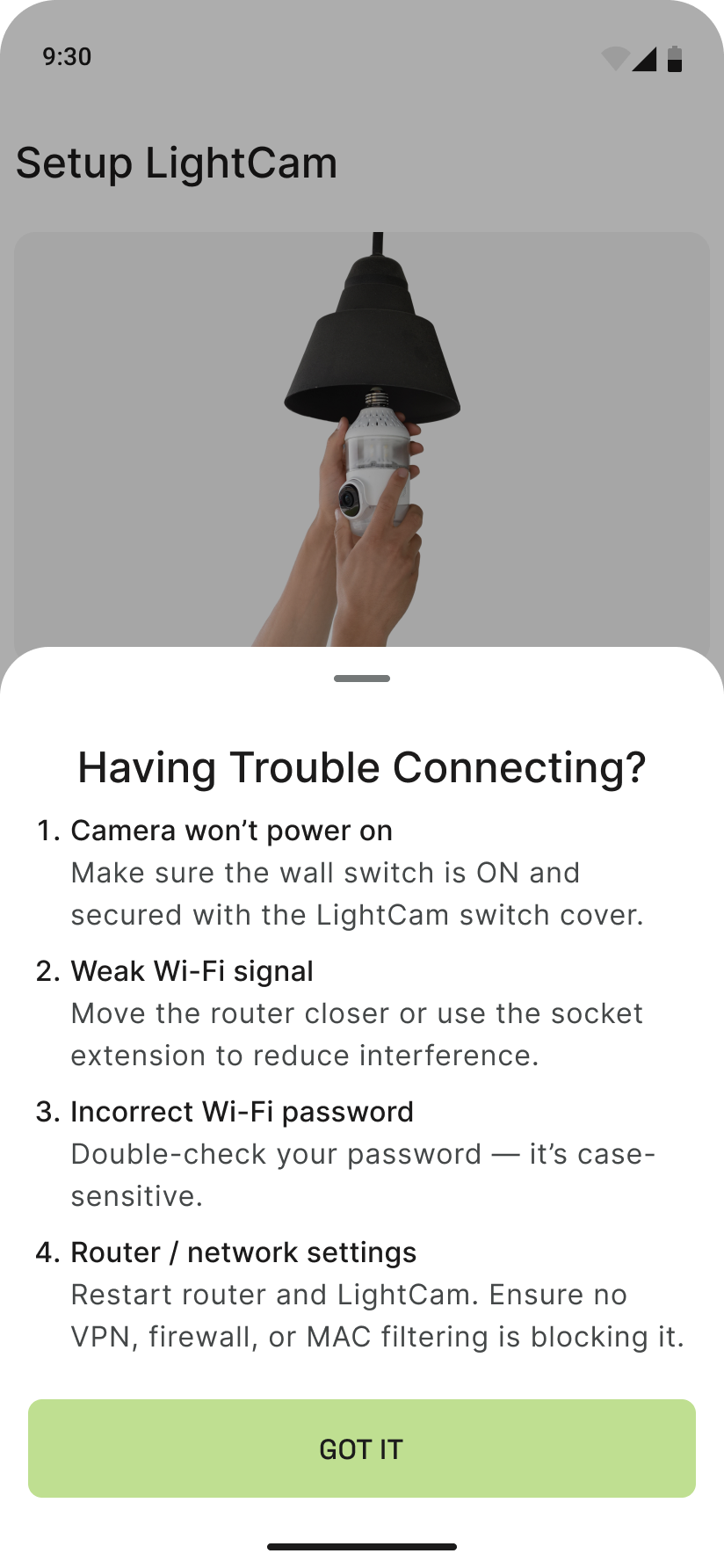
If you’re stuck during setup, use the in-app Need more help? option for extra guidance and links to support.
Prerequisites
- You’re in the add-device or setup flow (e.g. on a screen that says “Device not found,” “Pairing in progress,” or shows setup steps).
Step-by-Step Guide
-
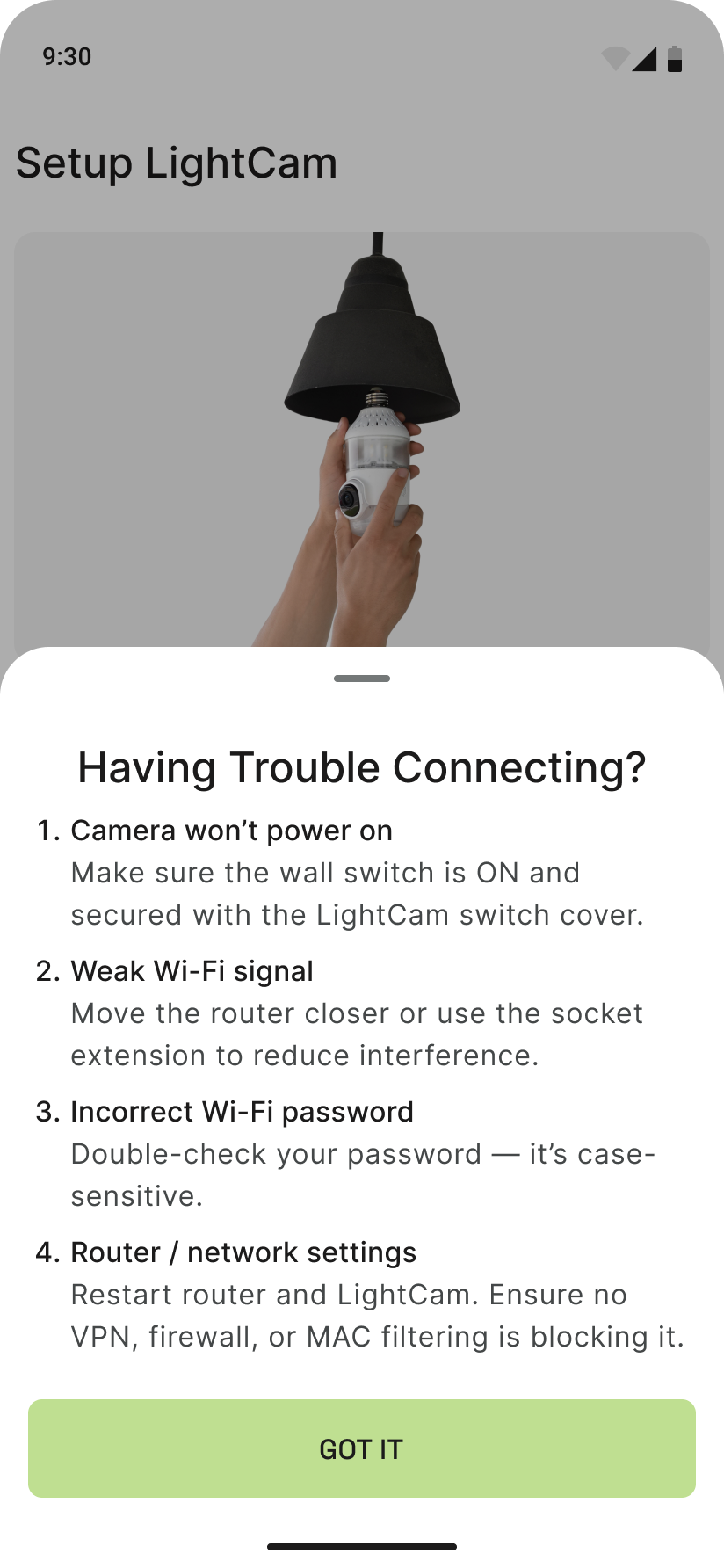
Find “Need more help?” On many setup screens you’ll see a link such as Need more help? or Get help. It’s usually near the bottom, below the main buttons.
-
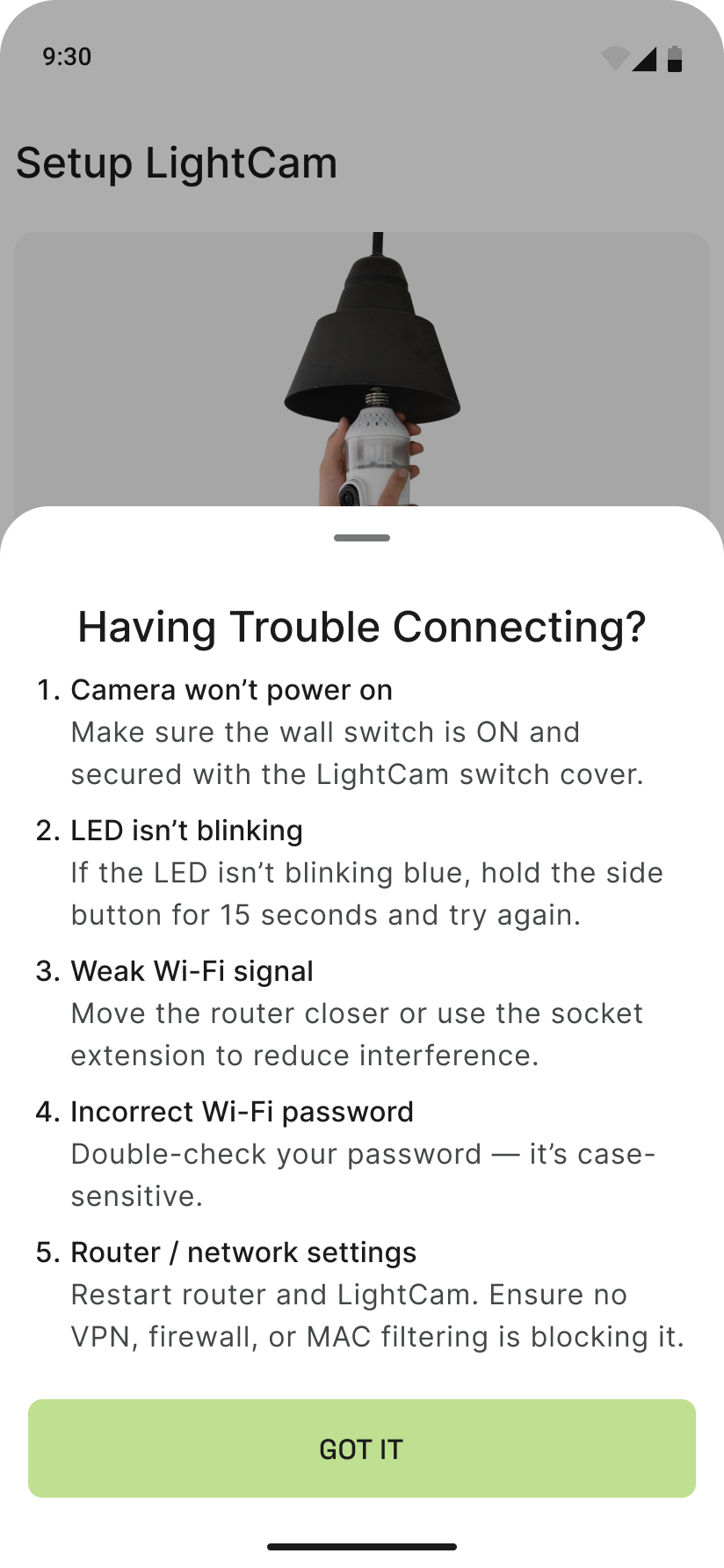
Open the help overlay Tap that link. A sheet or overlay will open with more instructions, tips, or links to articles and support.
-
Follow the suggestions Use the steps or links shown (e.g. retry checklist, link to this Help Center, or contact support). When you’re done, close the overlay and continue in the setup flow if needed.
-
Contact support if nothing works From the overlay or from the app’s Account area, open Messages to reach support with your setup details.
Common Issues & Fixes
- Don’t see “Need more help?”: It may appear only on certain screens (e.g. after “Device not found” or an error). Try the Camera Not Found or Pairing Stuck articles, or go to Account → Messages.
- Overlay doesn’t open: Update the app to the latest version and try again, or use the Help Center in a browser (if you have the link) and contact support from the app.
Still Stuck?
- LightCam Setup: End-to-End in 5 Minutes
- Camera Not Found During Setup
- Go to your account → Messages to contact support.
Last updated: February 2026