Connectivity & Pairing
Pairing Succeeded but Camera Still Not Usable
Fix post-pairing issues when setup shows success but behavior is wrong.
Pairing Succeeded but Camera Still Not Usable
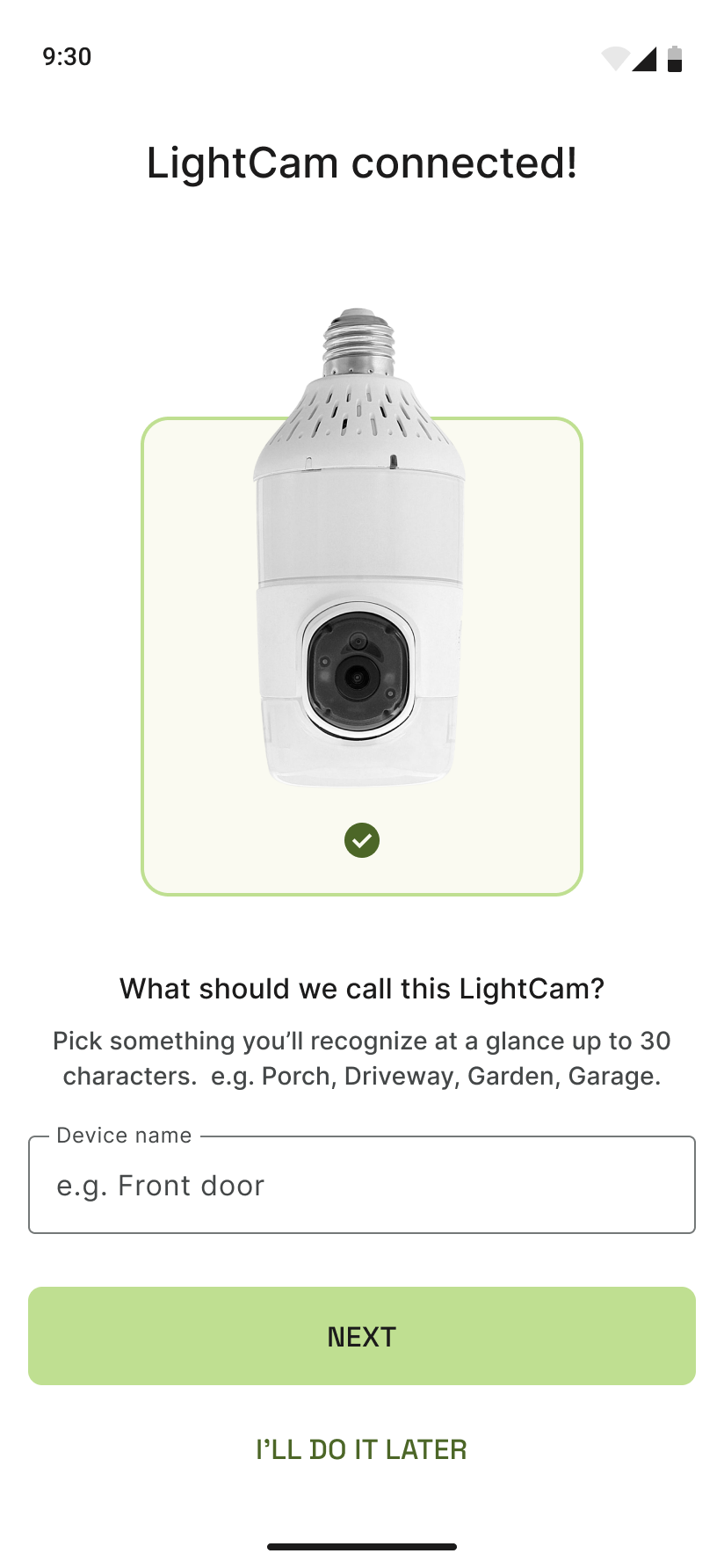
If the app says pairing succeeded but the camera doesn’t show on the home screen, won’t load video, or goes offline right away, try these steps.
Prerequisites
- You’ve seen a “Pairing succeed” (or similar) message in the app.
- You may have named the camera or tapped through to finish setup.
Step-by-Step Guide
-
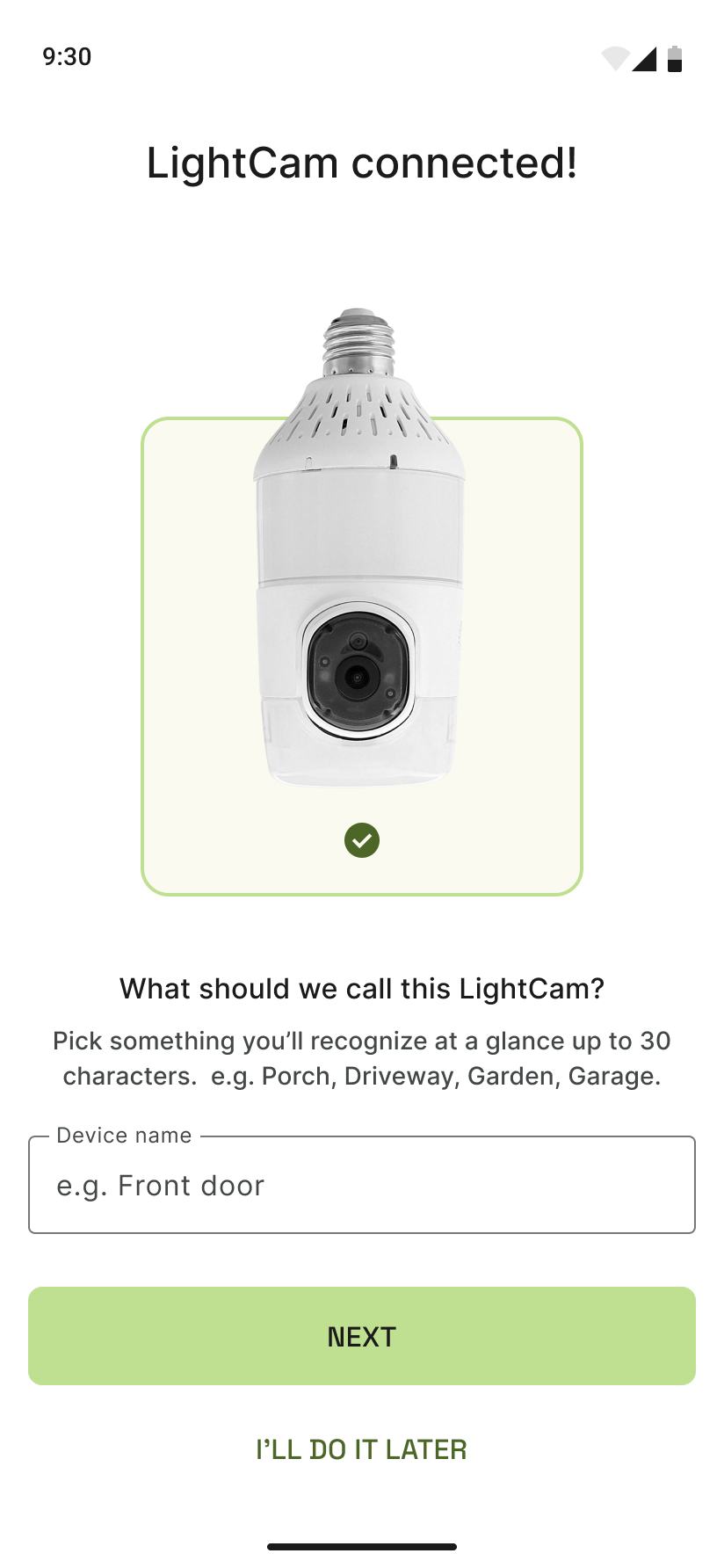
Confirm success and name After pairing, the app may ask for a name. Enter one and tap Done or Continue so the camera is saved to your account.
-
Check the home screen Open the app home and look for the new camera tile. If it’s missing, pull to refresh or close and reopen the app. Ensure you’re logged in to the same account that completed setup.
-
If the camera appears but won’t load
- Wait a minute; the camera may still be joining the network.
- Confirm the LightCam has power (light on, no flicker). Restart your router if other devices are also struggling.
- Check that your phone is on the same Wi‑Fi (or that the app can reach the camera over your network).
-
If it shows “offline” or “unavailable”
- Turn the light switch off for 10 seconds, then on. Wait for the blue LED, then check the app again.
- Ensure the Wi‑Fi password you entered during setup was correct. Re-run setup if you’re unsure (you may need to remove the device first, if the app allows).
Common Issues & Fixes
- Camera not on home: Account mismatch (e.g. set up on another login). Log in with the account that completed setup, or run setup again on this account.
- Stays “connecting” or “loading”: Often a network or router issue. Restart router and LightCam power cycle; if it persists, see Fix Wi‑Fi Connection Errors During Pairing.
- Worked then went offline: Power or Wi‑Fi drop. Check power and signal; move the camera closer to the router if possible.
Still Stuck?
- Fix Wi‑Fi Connection Errors During Pairing
- Pairing Stuck in Progress: What to Do Next
- Go to your account → Messages to contact support.
Last updated: February 2026